Private messaging system questions...?
Site QUESTIONS ? How do I...?
Steve, in order to send a private message, first hover your cursor over your name in the upper right-hand corner and choose "Private Messages" from the drop-down menu.
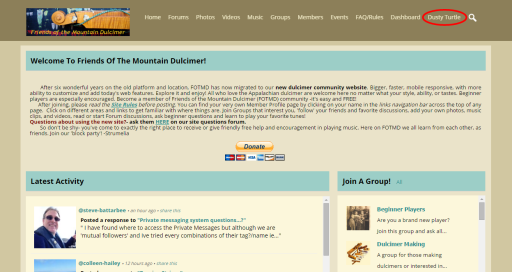
Then choose "New Message."

When you get the message box, put the beginning or part of the person's username in the search box, and all the members that have those same characters will show up in a drop-down menu. Click on the name of the person you want to contact.
Once the recipient's name has been automatically loaded into the recipient field, you can go ahead and 1) give a name or title to your message; 2) add the actual text of the message; and 3) click "send.
I hope that helps.
updated by @dusty: 12/08/15 11:03:48AM